 The.Settlers.New.Allies.Deluxe.Edition.MULTi13-ElAmigos (HyperVisor Bypass)


 Strategy
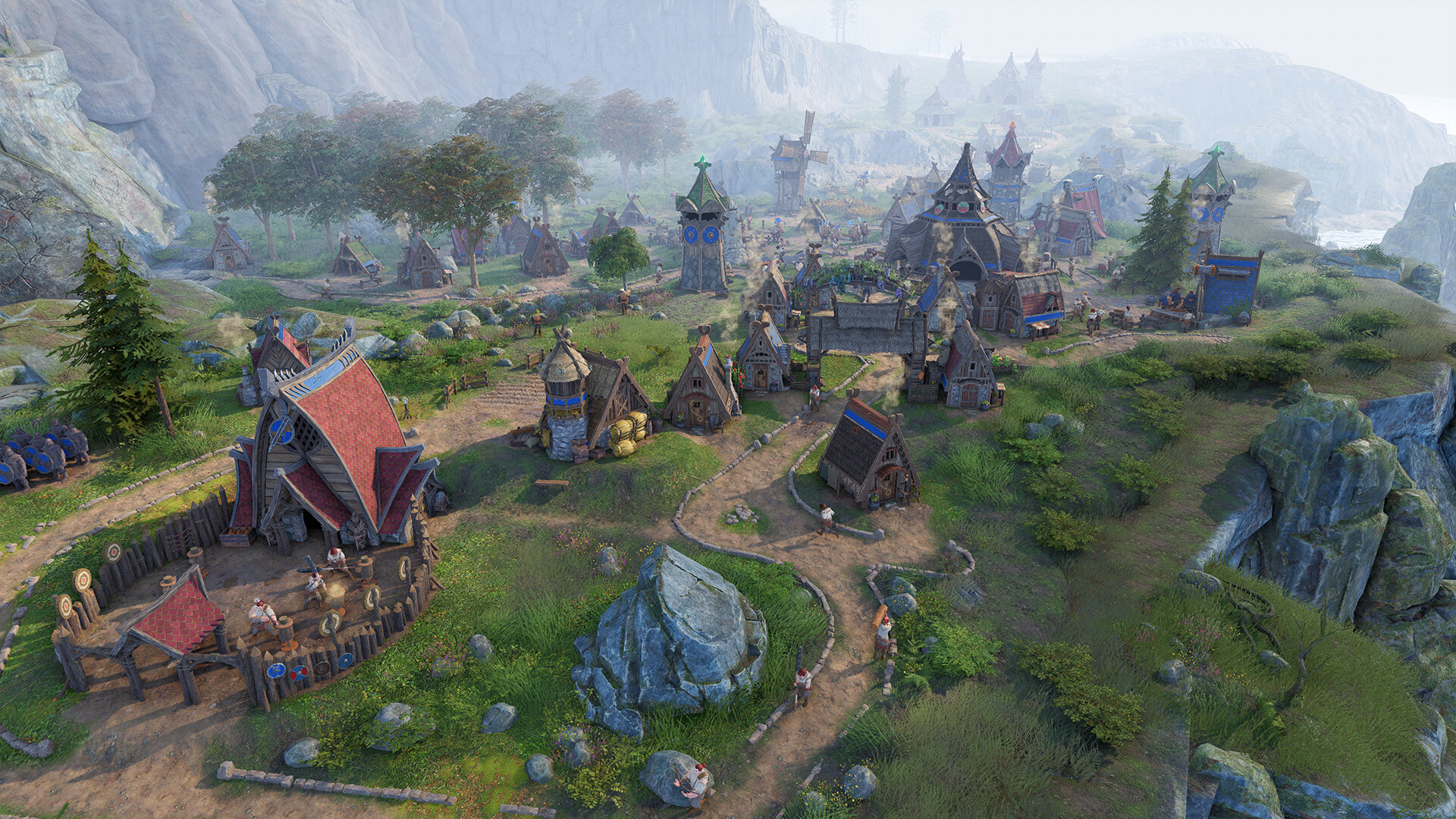
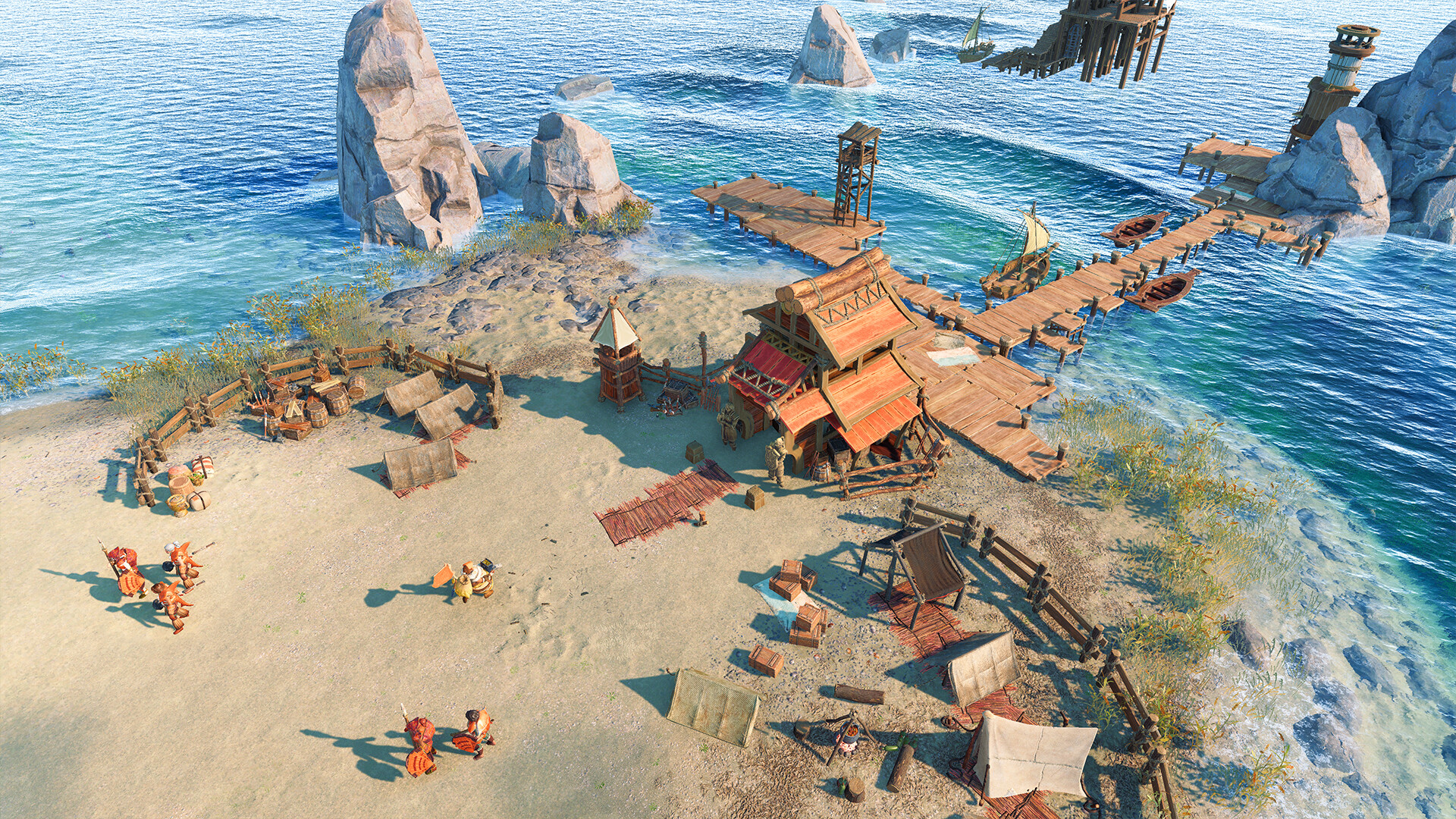
The Settlers®: New Allies is a strategy game with an in-depth build-up experience and real-time strategic battles.
- Fully reimagined from the ground up, with stunning graphics and detailed animations.
- Choose among three factions: the Elari, the Maru, and the Jorn. Each has a unique look, playstyle, and background story.
- Experience a story-driven campaign set in the world of The Settlers, or go for the special Hardcore mode and its additional challenges.
- Play online with up to eight players in thrilling skirmish battles against other players or AI for long-lasting fun.
Get the most out of your game experience with the The Settlers®: New Allies Deluxe Edition, including the game, the Deluxe Pack, and the Explorer Pack.
··Downloadlinks··




- install game
- educate yourself first by reading _Info.txt and DenuvOwO.nfo; CPU virtualization must be enabled in BIOS (some motherboards have it enabled as default setting)
- start "bin64/VBS.cmd" from game folder, press 1, restart computer, then on the next boot press F7 when new window will show up (driver signature OFF)
- start from desktop icon
Once you make it work, any other game with Hypervisor can be installed and played from desktop icon (as long as you don't restart/shutdown PC - then again VBS.cmd > 1 > reboot > F7 > desktop icon)
Many antiviruses, including Windows Defender are now marking HV files as rootkits, rendering games unplayable. To avoid it either turn off AV completely, or add source/target installation folders to exclusions