 Octopath.Traveler.0.MULTi5-ElAmigos (HyperVisor Bypass)

 RPG
RPGStart from zero and discover the newest entry in the OCTOPATH TRAVELER series. Experience a story of restoration and retribution over the divine rings—an epic saga that unfolds across the realm of Orsterra.
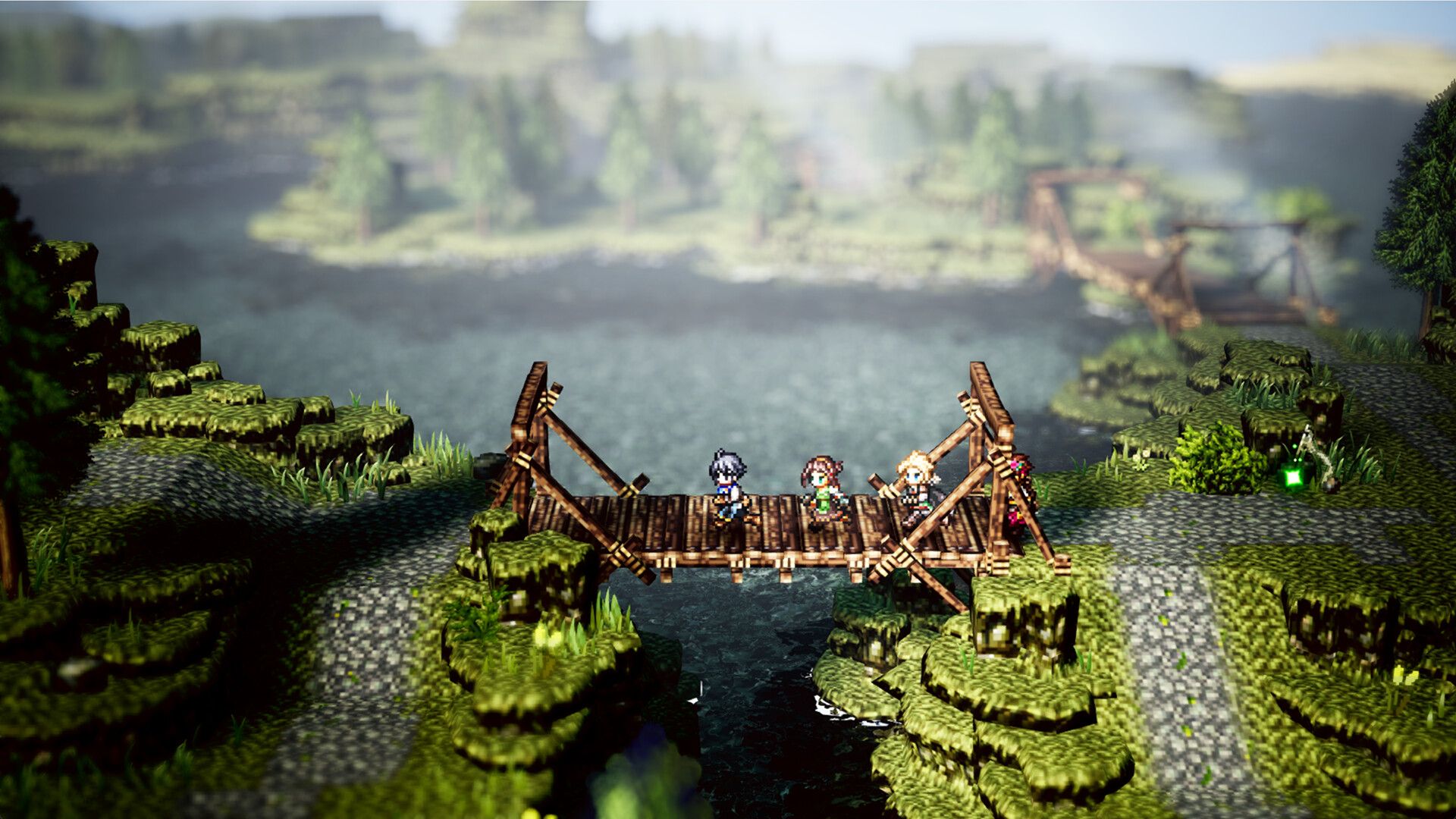
Enjoy familiar features such as the series' HD-2D graphics, a fusion of retro pixel art and 3DCG; the player's ability to roleplay using Path Actions of their choice; and the Break and Boost system that can turn the tide of battle. Additionally, brand-new features such as character creation and town building allow you to create your own character and restore your hometown.
[Key Features]
- You are the protagonist of the story. Choose your appearance, voice, motions, and favorite dish with the new character creation feature!
- Restore your hometown through town building. Invite companions and allies to live in a town of your creation!
- Engage in exhilarating and strategic command battles. Choose from over 30 allies to form a party comprised of up to eight characters!
- Use Path Actions to invite people to your town, engage in battle, and obtain items. Where you go and what you do is entirely up to you.
- Equip action skills with the new skill system. These skills can be learned by allies and passed on to others.
··Downloadlinks··




- install game
- educate yourself first by reading _Info.txt and DenuvOwO.nfo; CPU virtualization must be enabled in BIOS (some motherboards have it enabled as default setting)
- start "bin64/VBS.cmd" from game folder, press 1, restart computer, then on the next boot press F7 when new window will show up (driver signature OFF)
- start from desktop icon
Once you make it work, any other game with Hypervisor can be installed and played from desktop icon (as long as you don't restart/shutdown PC - then again VBS.cmd > 1 > reboot > F7 > desktop icon)
Many antiviruses, including Windows Defender are now marking HV files as rootkits, rendering games unplayable. To avoid it either turn off AV completely, or add source/target installation folders to exclusions